

Using mock passports
Mock passports are how you exercise verification end-to-end without a real passport. Useful for development, CI, and demos.
Mock passports only work against flows in your test environment (i.e. sessions created with an sk_test_ key). They never verify against live flows. See Test vs. live.
Generating a mock passport
-
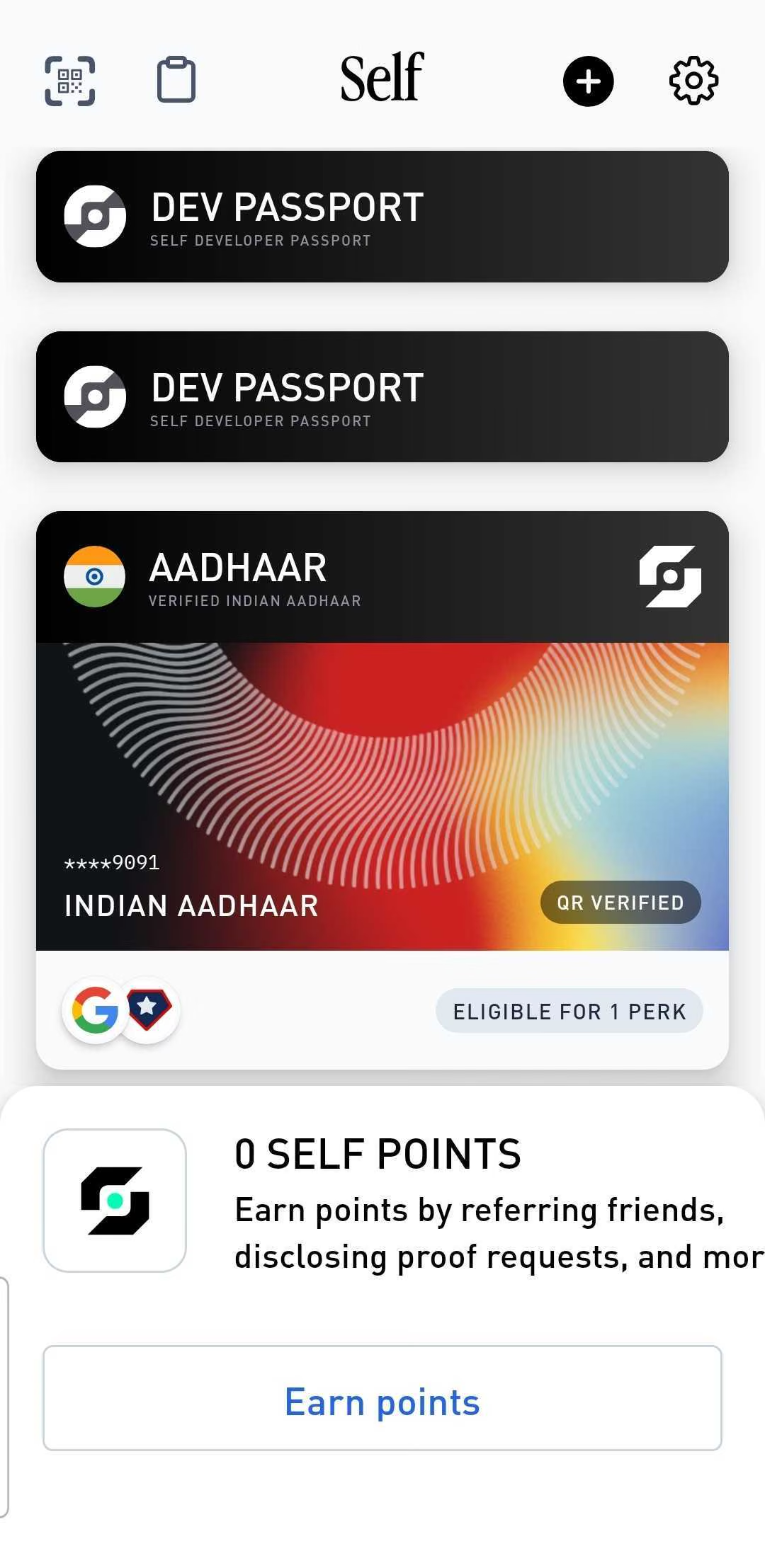
On the Self app’s home screen, tap the settings gear in the top-right corner.
-
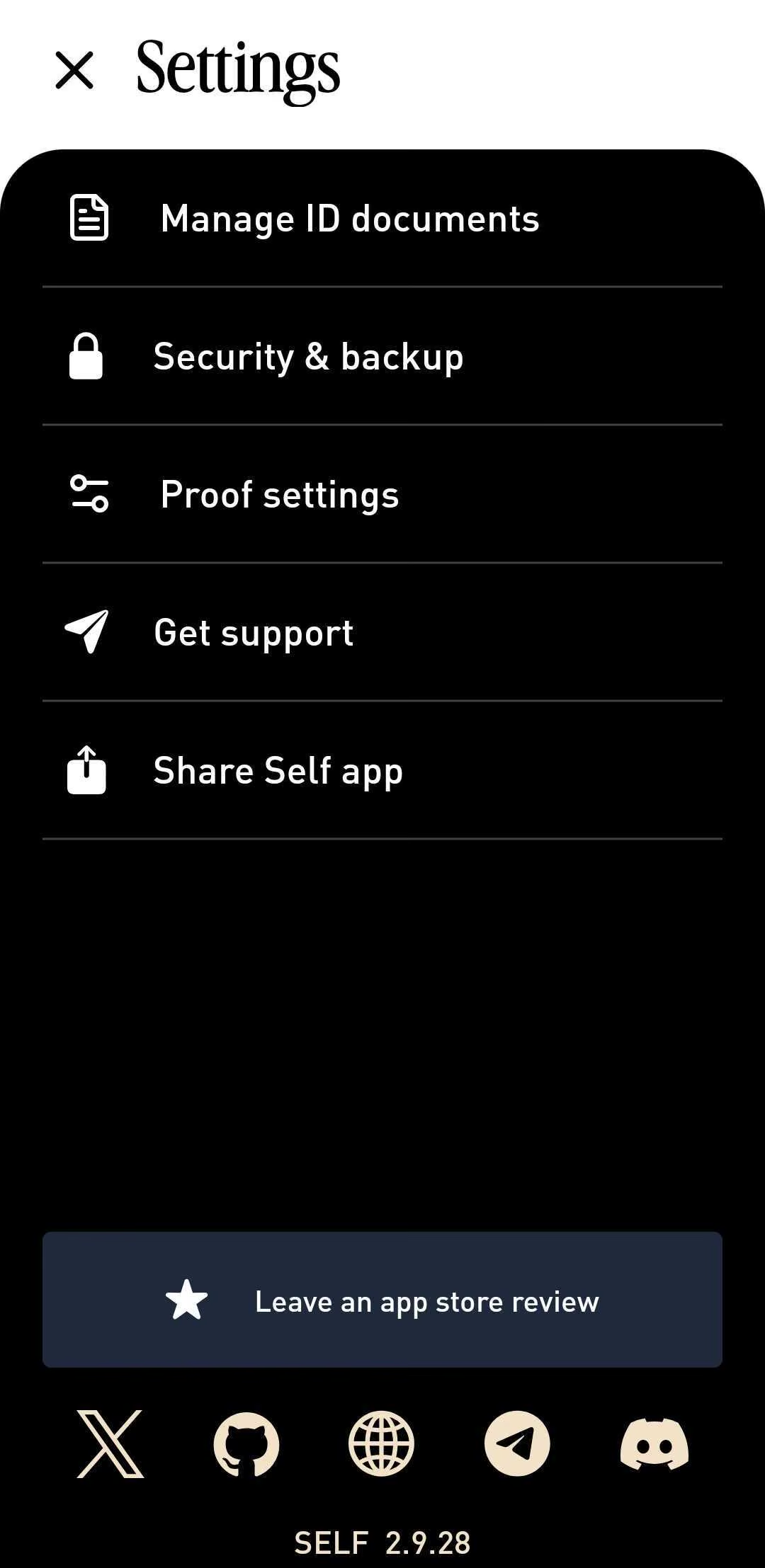
In Settings, tap Manage ID documents.
-
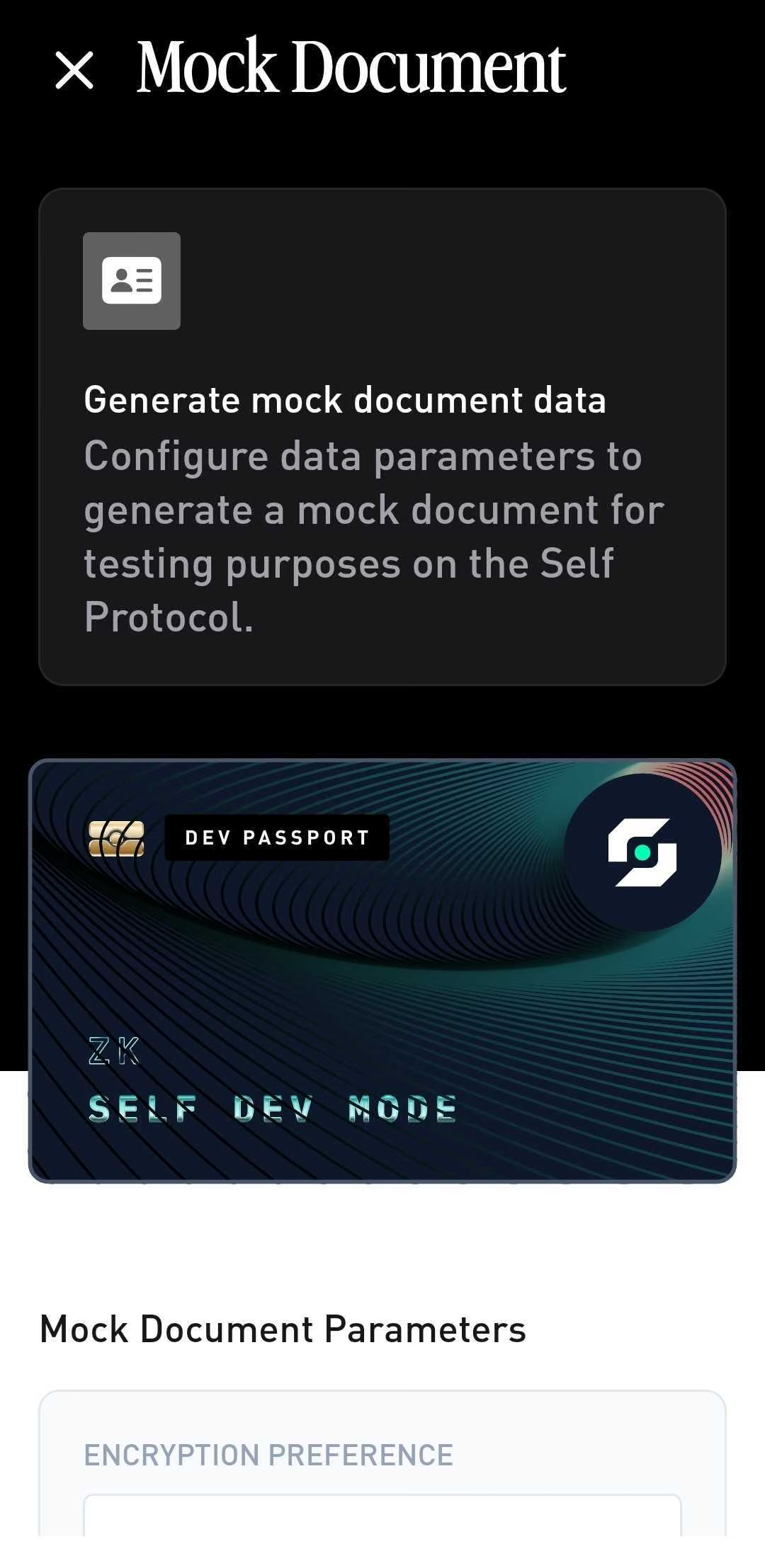
Tap Generate Mock Document. The Mock Document screen opens with a preview of the dev passport.
-
Under Mock Document Parameters, set the attributes you want to test against (nationality, age, document expiry, OFAC status), then tap Generate Mock Document.
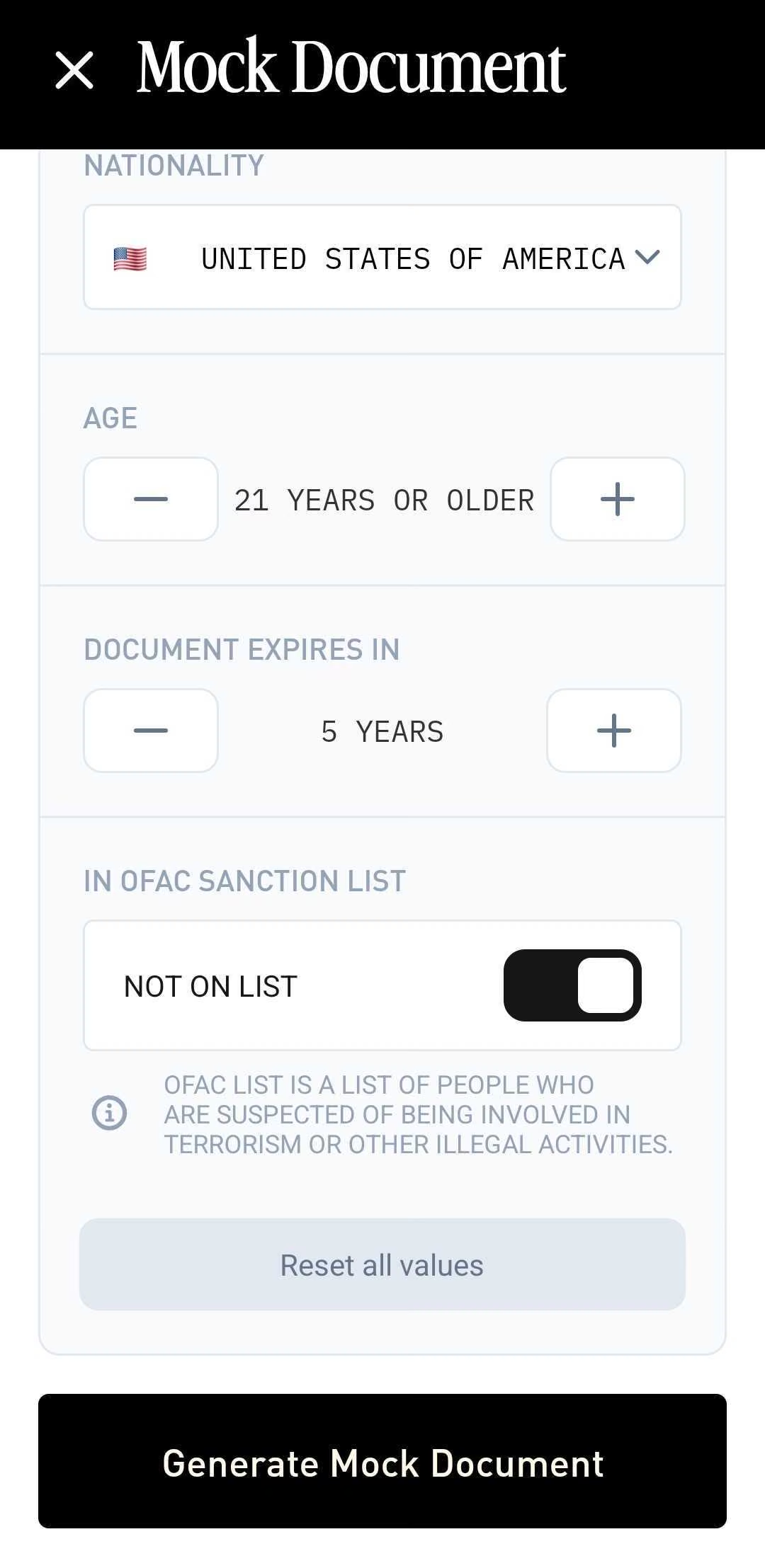
The generated document appears as a card on the home screen, ready to use.
To try the whole loop end-to-end without writing any code, deploy a configuration and use the Try this flow link on its Configure tab; test sessions accept mock passports.
To stop using a mock passport, select a different document from the home screen. Real documents are added from the same Manage ID documents screen via Add New Document.
Thanks — what went wrong?
Thanks for your feedback!