# Using mock passports
When using offchain verification, pass `mockPassport` to the Self verifier as explained [here](https://docs.self.xyz/backend-integration/basic-integration#parameters).
When using onchain verification, use the Sepolia contracts [deployed-contracts.md](/docs/self-pass/contracts/deployed-contracts/).
## Generating Mock Passport
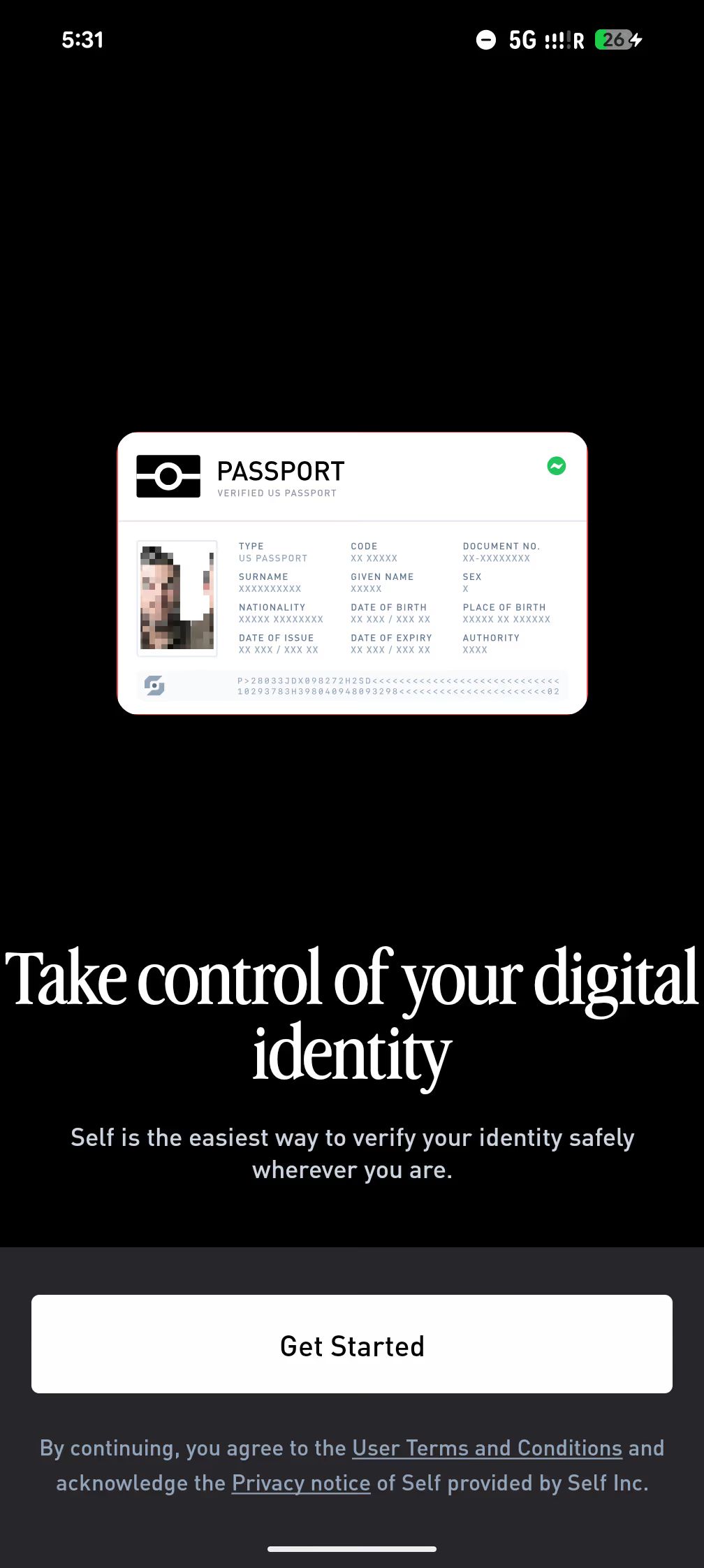
To create a mock passport, on the first screen, tap 5 times with one finger on the Passport button.
This will show a screen to create a mock passport. To try it out, use [https://playground.staging.self.xyz/](https://playground.staging.self.xyz/) instead of [https://playground.self.xyz/](https://playground.self.xyz/).
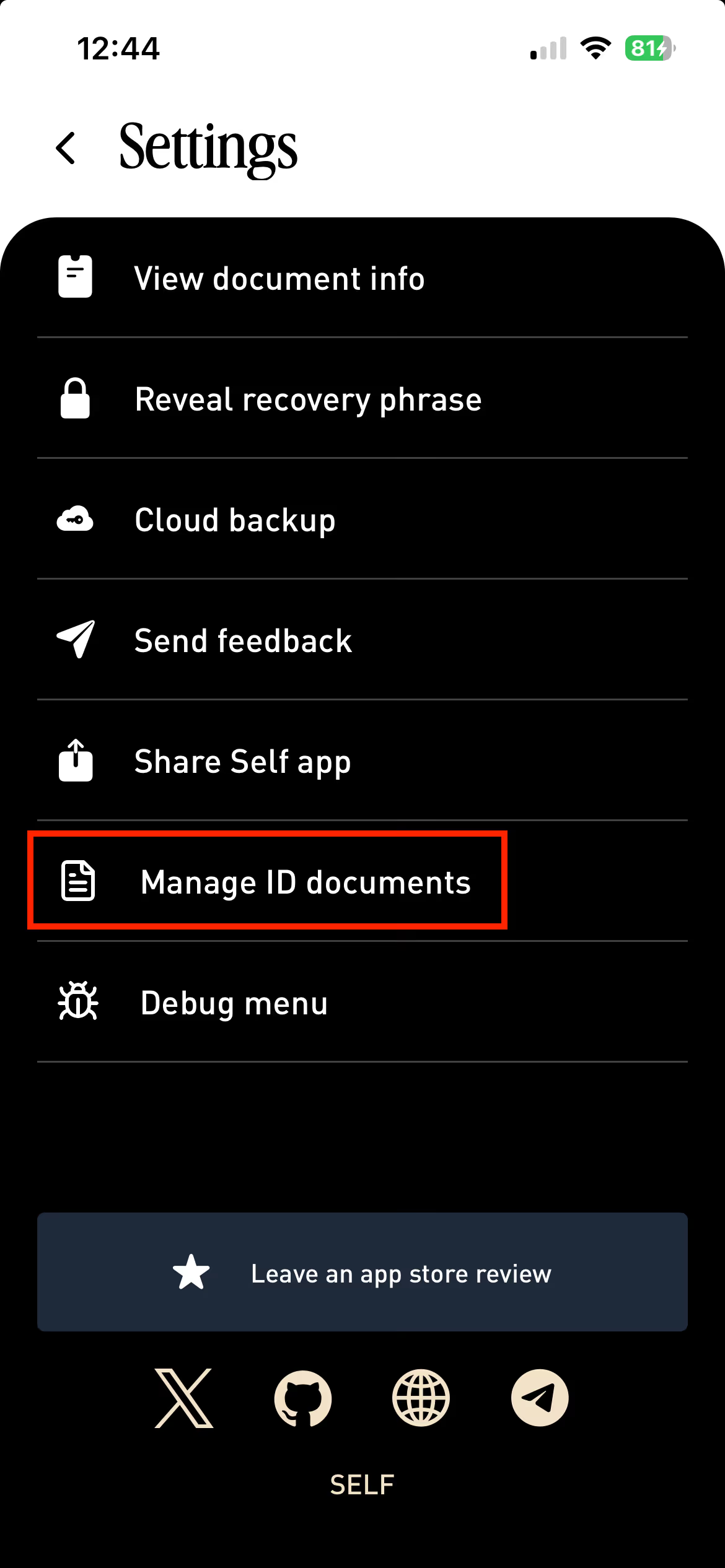
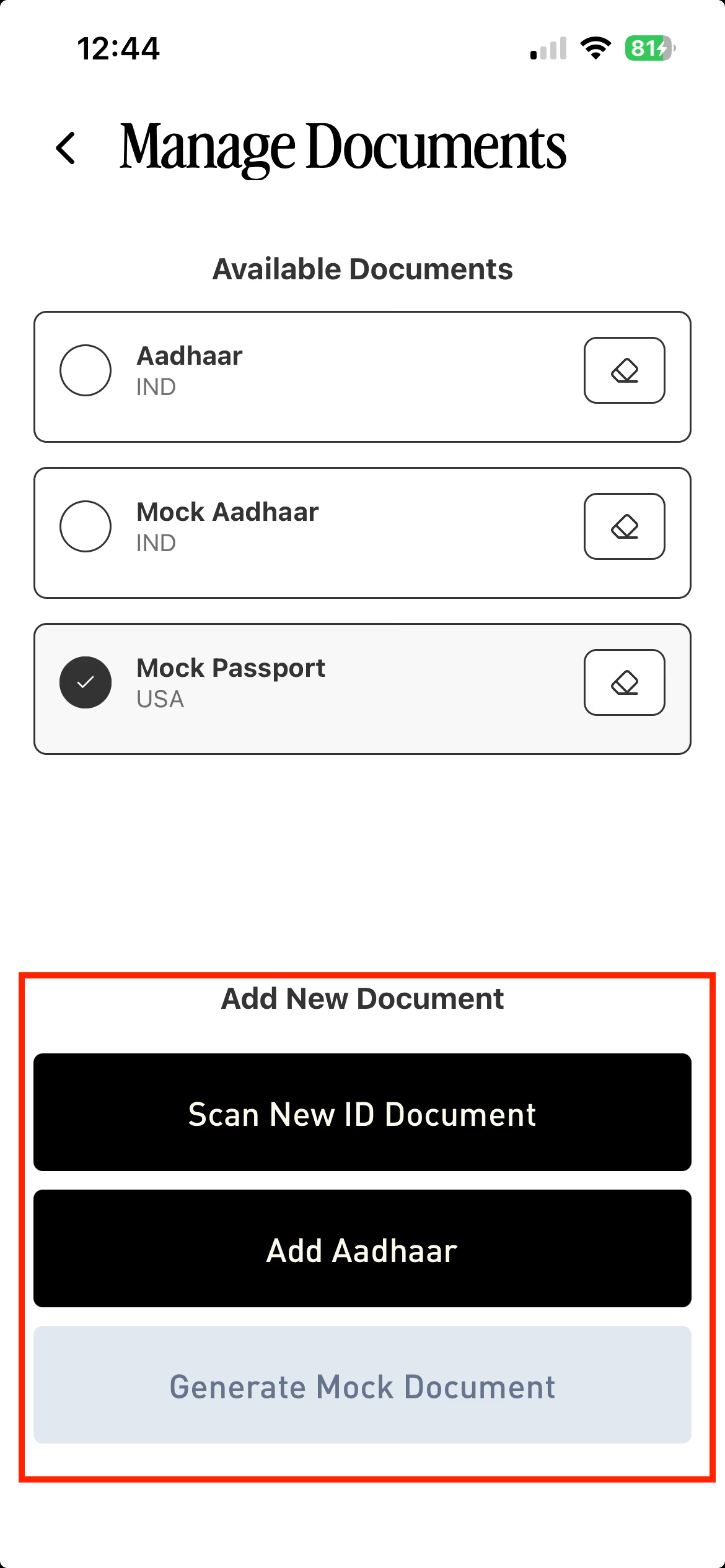
To stop using a mock passport, select a different document to use. If no other document is added yet go to the Settings, Select **Manage ID Documents.**
Click **Add New Document.**
If the document is already registered, it can be selected from the Home page.
.avif)